Download ArtCraft — Free, Open-Source, Adobe-Compatible Creative Suite
Download guide
Get it from the official site (external link). This independent guide does not host installers.
- Version
- Current stable on the apps page
- Last updated
- Oct 11, 2026
- File size
- Varies by platform — check the apps page
Independent guide to downloading ArtCraft for Windows, macOS, and Linux: what is inside, system requirements, install steps, and whether it is really free.
What's inside
System requirements
Minimum setup to run the suite
Install steps
1. Open the apps page or GitHub Releases
Go to getartcraft.com/apps (or the storytold GitHub organization). This independent guide never serves the installer. Bookmark the page you used so you can match the version later.
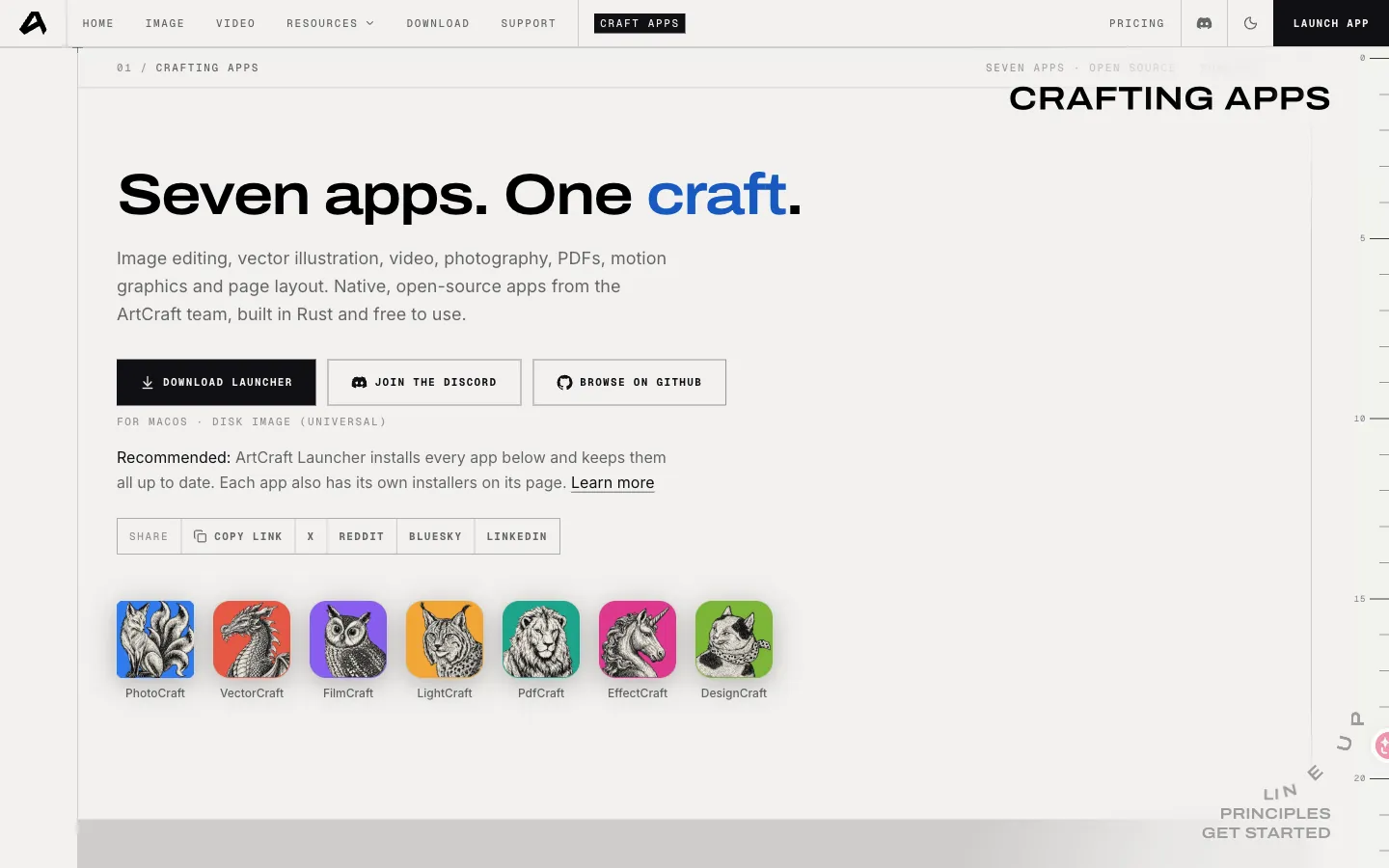
The official apps page lists the launcher and each craft. Download from there, not from this independent guide. 2. Download the build for your OS
Choose Windows, macOS, or Linux. Save the file to a folder you control. Note the version string and file size shown next to the asset. If two files exist for the same OS, prefer the one labeled for your CPU (Apple silicon vs Intel, x64 vs ARM).
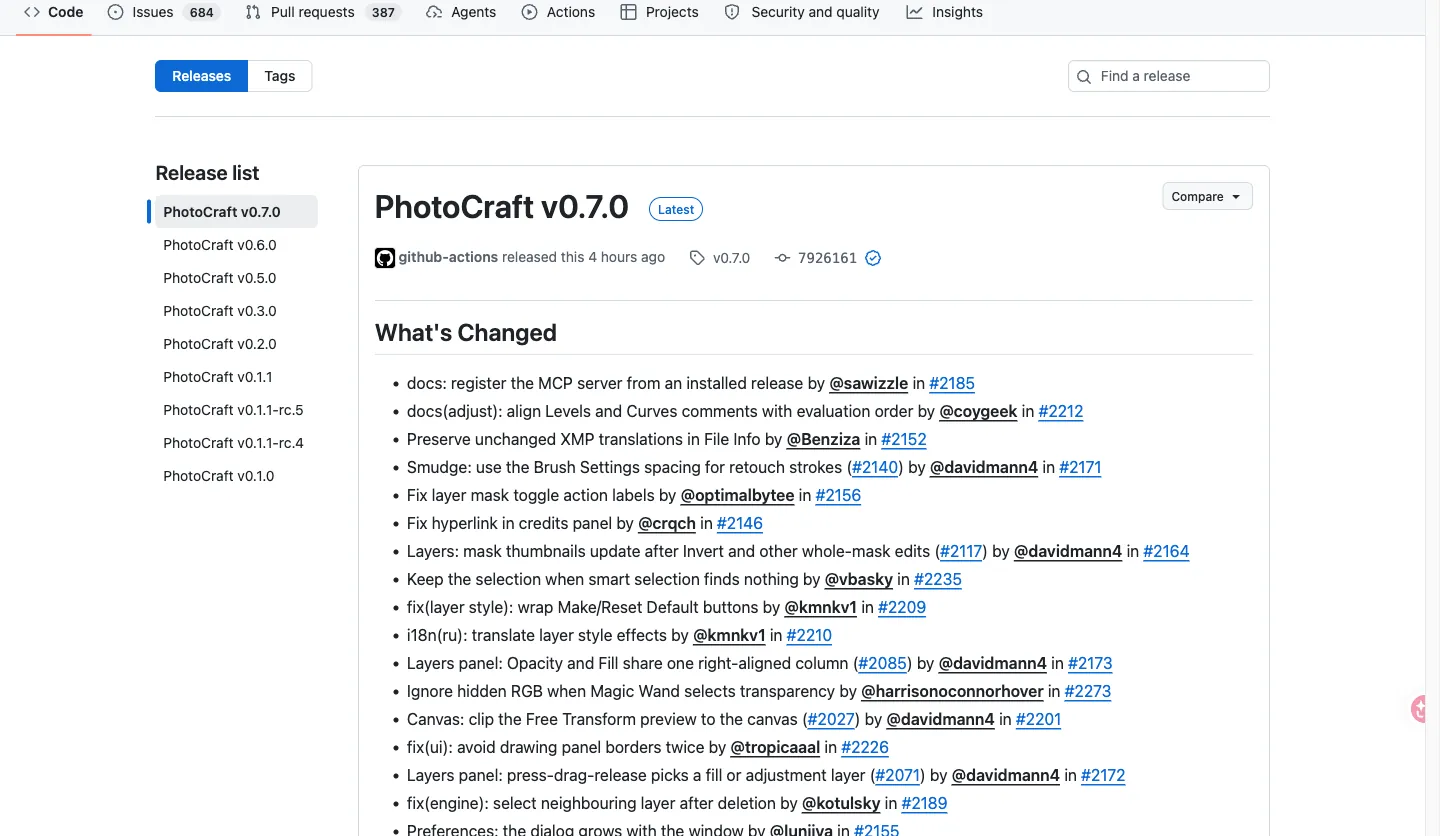
Match the version string and SHA-256 on GitHub Releases before you run a file. 3. Verify the SHA-256, then install
Copy the checksum from the matching GitHub Release asset. Hash the file you downloaded and compare. Only then run the installer, open the disk image, or unpack the Linux archive. If the hashes differ, delete the file and download again from the same source.
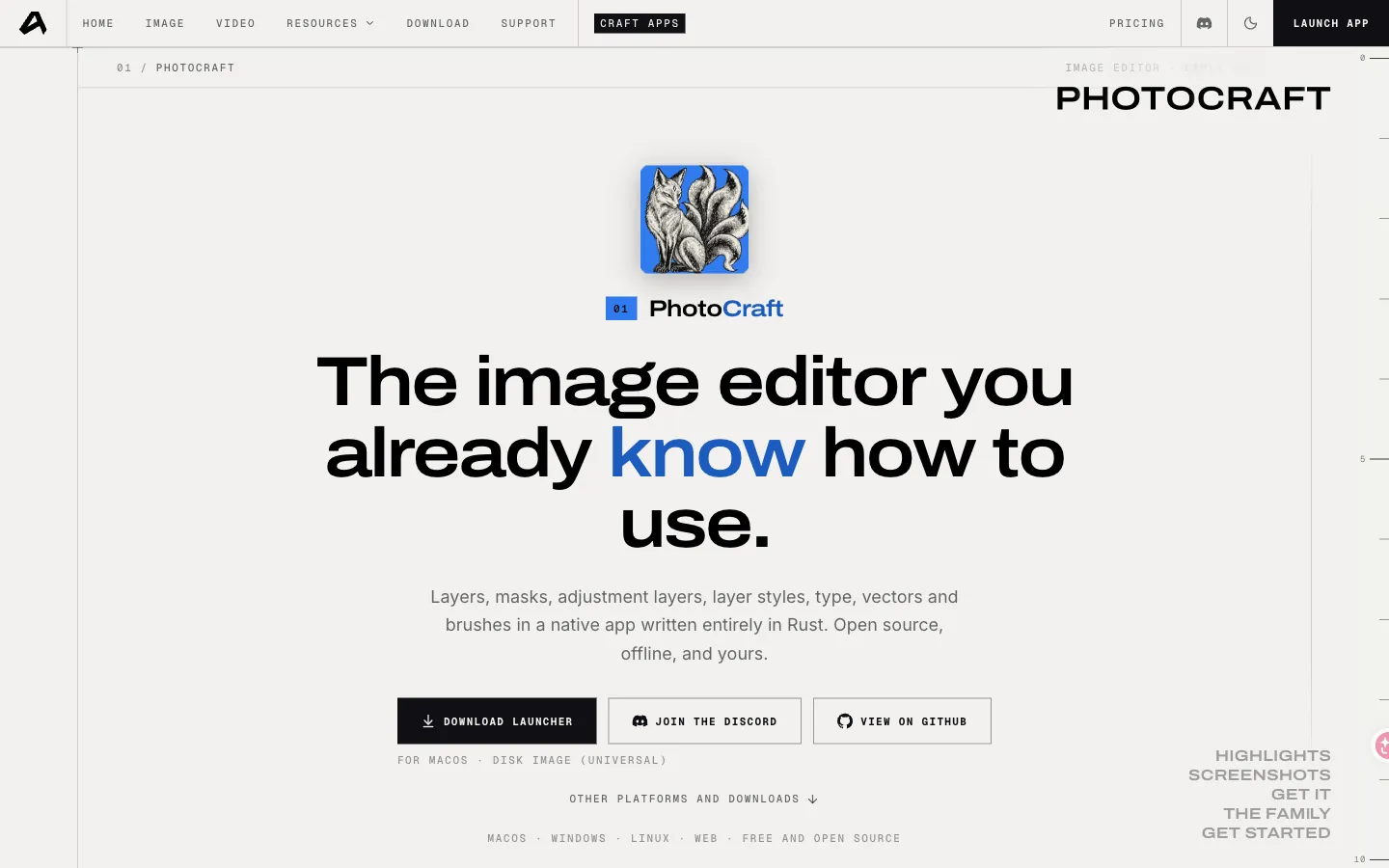
Photocraft is the raster editor most people open first after install. 4. Launch and pick the app you need
Finish first-run prompts, then open Photocraft for raster work or browse the other crafts from the suite. Keep the Release notes for that version. When you update, repeat the checksum step instead of overwriting blindly.
Is ArtCraft really free?
Yes. The desktop apps are published as open source. You do not need an Adobe Creative Cloud seat to download or run them. This independent guide does not charge for the files and does not host them.
Confirm the license file in each GitHub repository (typically Apache-2.0, sometimes with MIT) before you ship client work. Trademarks and brand assets in those repos are usually licensed separately from the code.
What you are downloading
ArtCraft is a family of native creative apps, mostly written in Rust, aimed at jobs people associate with Adobe tools. Photocraft is the Photoshop-class raster editor. Vectorcraft, Lightcraft, and related crafts live in the same GitHub organization. The main storytold/artcraft repository is the crafting engine and studio; the other repos are the individual apps.
Packaged installers for Windows, macOS, and Linux are listed on getartcraft.com/apps. Versioned binaries also appear on GitHub Releases. Use one of those two sources. Skip random mirrors, Telegram zips, and “cracked suite” pages.
After you install
Open Photocraft if you edit photos or PSD files. For catalogs and RAW, look at Lightcraft. For vectors, look at Vectorcraft. If a craft is not on the apps page yet, check the GitHub organization for a Release asset and match the version number to the checksum.
Need the click-by-click walkthrough? Use the install guide. Need the repo map? Use the GitHub page.
FAQ
License, source, and checksums
Code is typically Apache-2.0 (confirm LICENSE in each repo). Brand marks are not the same license. This independent guide does not host installers.
- GitHub organization: https://github.com/storytold (external link)
- Apps page: https://getartcraft.com/apps (external link)
- SHA-256: Use the SHA-256 published on the matching GitHub Release asset.
Affiliate disclosure
Affiliate disclosure
Download guide
Get it from the official site (external link). This independent guide does not host installers.
Related guides
ArtCraft GitHub Repositories — Downloads, Releases and Docs
The public source of truth is the GitHub organization. Use repository Releases for versioned builds and the official apps page for packaged installers. This independent guide only links out.
How to Install ArtCraft — Step-by-Step for Windows, macOS and Linux
Download from the official apps page, verify the SHA-256, then run the platform installer. If a build fails to launch, match the OS requirement and grab the same version from GitHub Releases. This independent guide does not ship binaries.